













QwikDim for iPhone
- Free
- 4.3
- V1.0.2
Free Download for iPhone
View an ad to download for free
Dark mode for safari
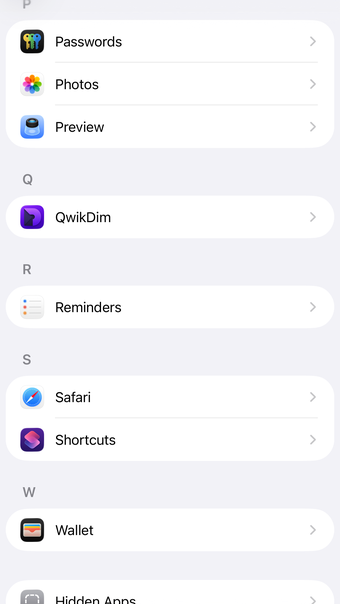
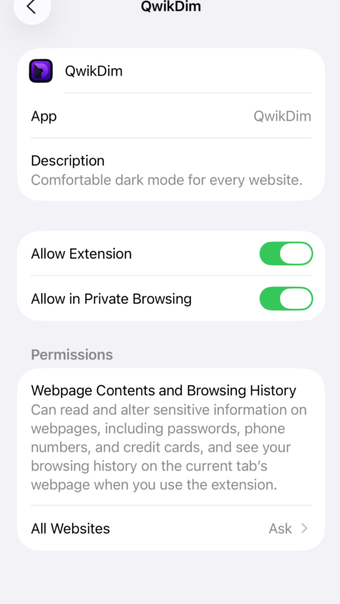
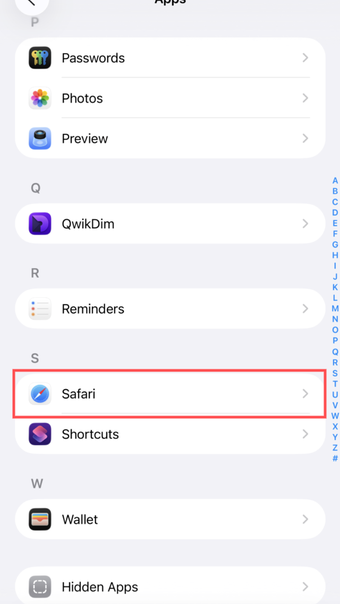
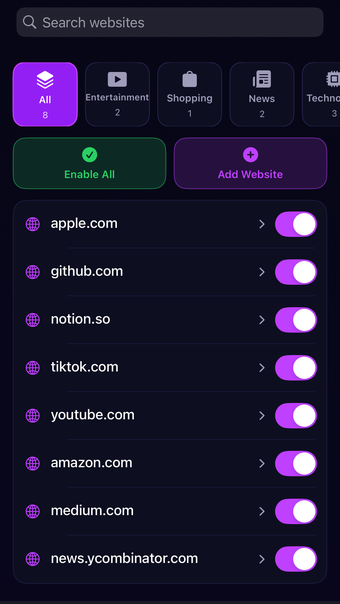
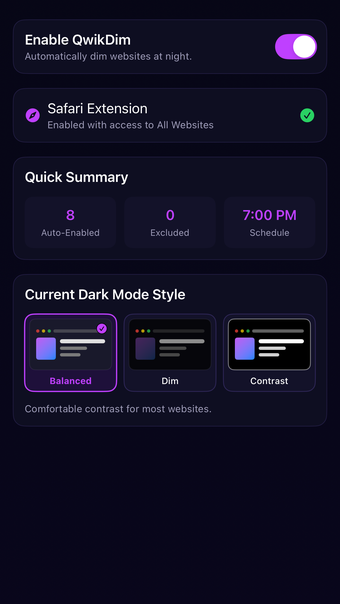
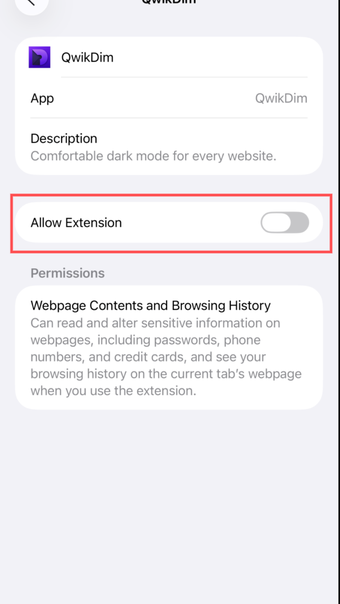
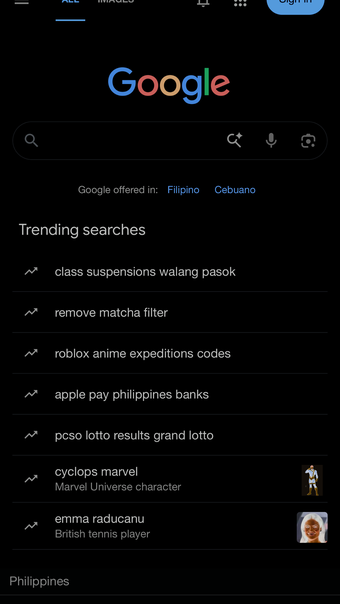
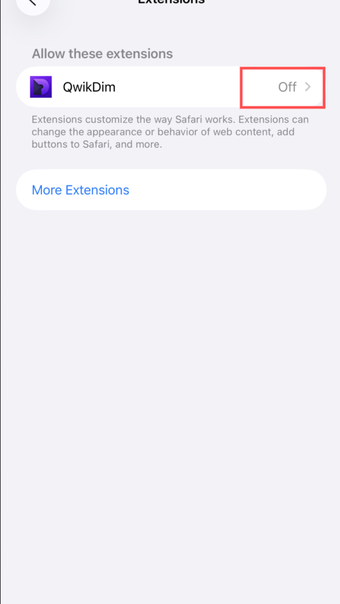
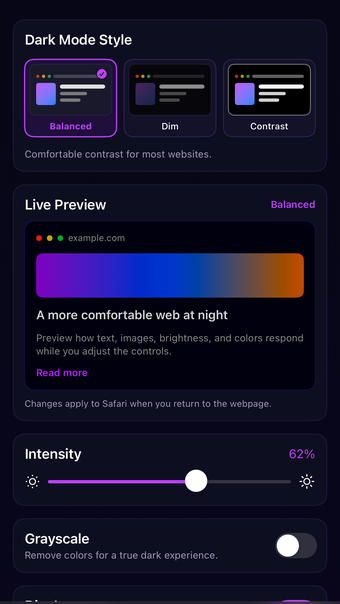
A comfortable dark mode for Safari with per-site controls, adjustable intensity, scheduling, grayscale, and image dimming.Browse more comfortably at night with QwikDim, a Safari extension that gives websites a consistent, adjustable dark appearance.KEY FEATURES• Turn QwikDim on or off globally• Auto-enable or exclude individual websites• Choose Balanced, Dim, or Contrast styles• Adjust intensity, grayscale, image brightness, and colors• Schedule dark mode by time and day• Follow the system appearance• Apply settings across page frames and respect existing website themesGET STARTED1. Open QwikDim and tap Safari Extension.2. Enable QwikDim in Settings → Apps → Safari → Extensions.3. Allow access to All Websites.4. Return to Safari and browse normally.PRIVACYQwikDim processes page appearance on your device. It does not create an account or send browsing data to our servers.Some websites may require a refresh after changing extension permissions or settings.
Loading…
App specs
Developer
License
Free
Version
1.0.2
Latest update
Platform
iPhone
OS
iOS 16.3
Language
English
Available languages
- English
- Chinese
Program available in other languages
QwikDim for iPhone
- Free
- 4.3
- V1.0.2
Free Download for iPhone
View an ad to download for free
User reviews about QwikDim
Have you tried QwikDim? Be the first to leave your opinion!
Add reviewTop downloads Project Management for iPhone
Top downloads Project Management for iPhone
Top downloads Project Management for iPhone
Related topics about QwikDim
Latest articles

Undead Labs leaves Xbox: State of Decay studio goes independent again amid layoffs
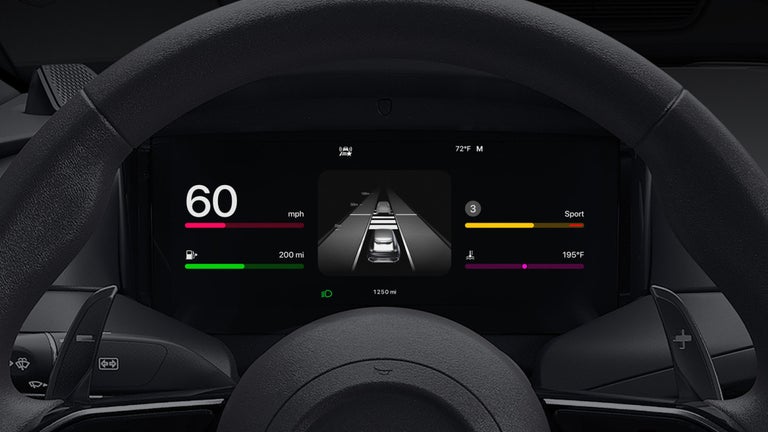
Apple CarPlay is more customizable now: change these settings

GTA 6’s November launch could hurt the NBA and NFL, says Steven Adams

Discord rolls out age verification worldwide this Wednesday

Apple TV+ orders Neuromancer: 10-episode series now official
Laws concerning the use of this software vary from country to country. We do not encourage or condone the use of this program if it is in violation of these laws. Softonic may receive a referral fee if you click or buy any of the products featured here.